OpenAI Launches Computer Use to Let Models Control Desktops and Browsers
OpenAI has released official documentation and API tooling for Computer Use, allowing artificial intelligence models to view screens, click interfaces, and operate desktop and browser applications autonomously. The platform introduces code execution workflows for frontier models like GPT-6 Astra, enabling developers to automate repetitive data entry, software testing, and cross-application workflows through standard user interfaces.

What’s New
- Enables models to operate graphical interfaces by analyzing screenshots and returning mouse or keyboard commands.
- Recommends code execution via Playwright and PyAutoGUI for frontier model GPT-6 Astra.
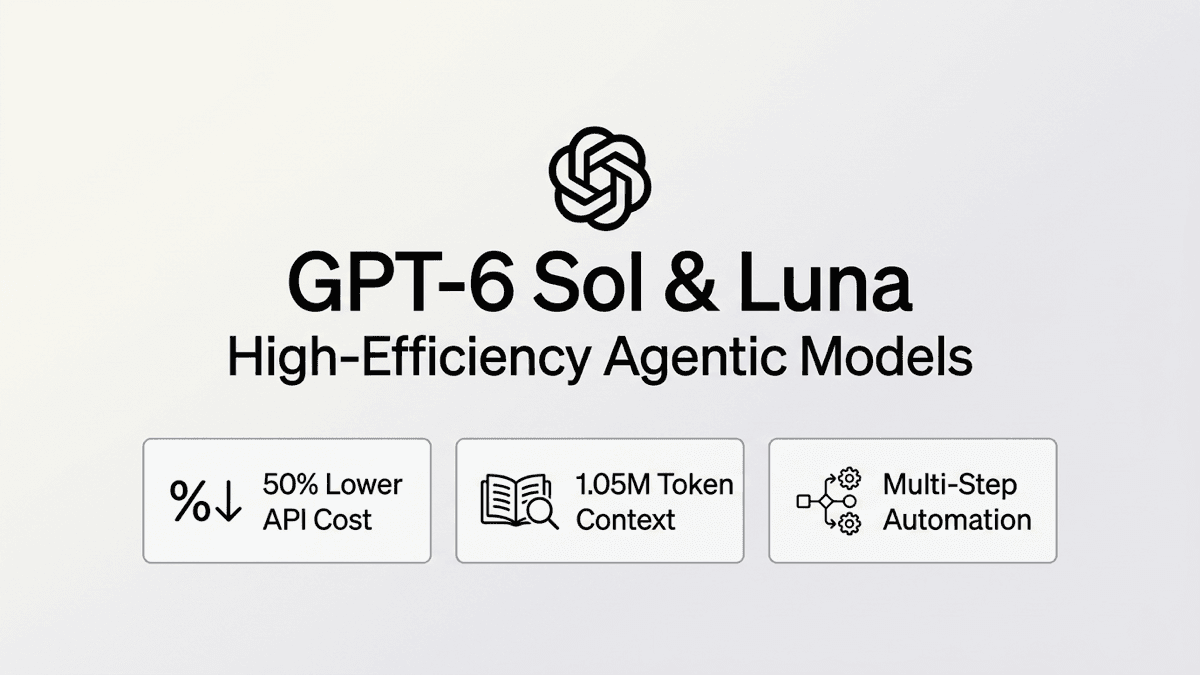
- Maintains native computer tool support for structured actions on models such as GPT-5.6 Sol.
- Requires sandboxed execution environments and explicit user confirmation for sensitive or financial actions.
- Supported across official API software libraries for Python, JavaScript, Go, Java, and Ruby.
Why It Matters
For businesses burdened by legacy software without modern API connections, Computer Use turns everyday desktop applications into programmable systems. However, running automated mouse and keyboard control demands strict VM isolation and human approval gates to avoid unintended data loss.
OpenAI has published comprehensive developer guidance for Computer Use, introducing capabilities that allow artificial intelligence models to interact directly with graphical desktop and browser interfaces. Rather than depending on pre-built backend integrations or application programming interfaces, models can now navigate software the same way human operators do: inspecting visual screenshots, clicking buttons, typing form fields, and scrolling through windows.
The guide outlines two primary implementation paths depending on the model tier and technical architecture. For its flagship reasoning model, GPT-6 Astra, OpenAI recommends a code-execution integration. Under this pattern, the model writes complete scripts using established automation libraries such as Playwright for web browsers or PyAutoGUI for local desktop sessions. By packaging loops, conditional checks, and multiple UI actions into a single programmatic call, code execution dramatically reduces network round-trips between the client runtime and OpenAI's servers. For models such as GPT-5.6 Sol, OpenAI retains support for its native computer tool, where the model outputs individual structured actions, including clicks, keyboard presses, drags, and screenshot requests.
State management and security form the backbone of the new operational guidelines. OpenAI stresses that conversational history in the API and actual desktop execution environments are completely separated. Host applications must preserve login states, browser contexts, and variable namespaces across turns while continuously feeding updated screenshots back to the model.
Crucially, the documentation outlines non-negotiable safety guardrails for production deployments. Because autonomous computer agents can interact with live accounts and sensitive business databases, OpenAI instructs developers to restrict runtimes to isolated virtual machines with strict domain allowlists. Applications must also treat all on-screen text as untrusted data to protect against indirect prompt injection, and require explicit human confirmation before executing irreversible steps, such as financial transactions, account deletions, or sensitive data transmissions.
OpenAI did not publish an original publication timestamp on the developer documentation page, with the specification catalogued in September 2026. Official software development kits supporting the Computer Use loop are available immediately across Python, JavaScript, Go, Java, and Ruby, accompanied by an open-source sample implementation on GitHub.