The Problem
Knowing how your website is doing means logging into Google Analytics, finding the right report and working out what actually changed. Most weeks it gets skipped, so a drop in traffic is noticed late, and nobody can say whether a busy week was unusual or just normal for the time of year.
What You'll Get
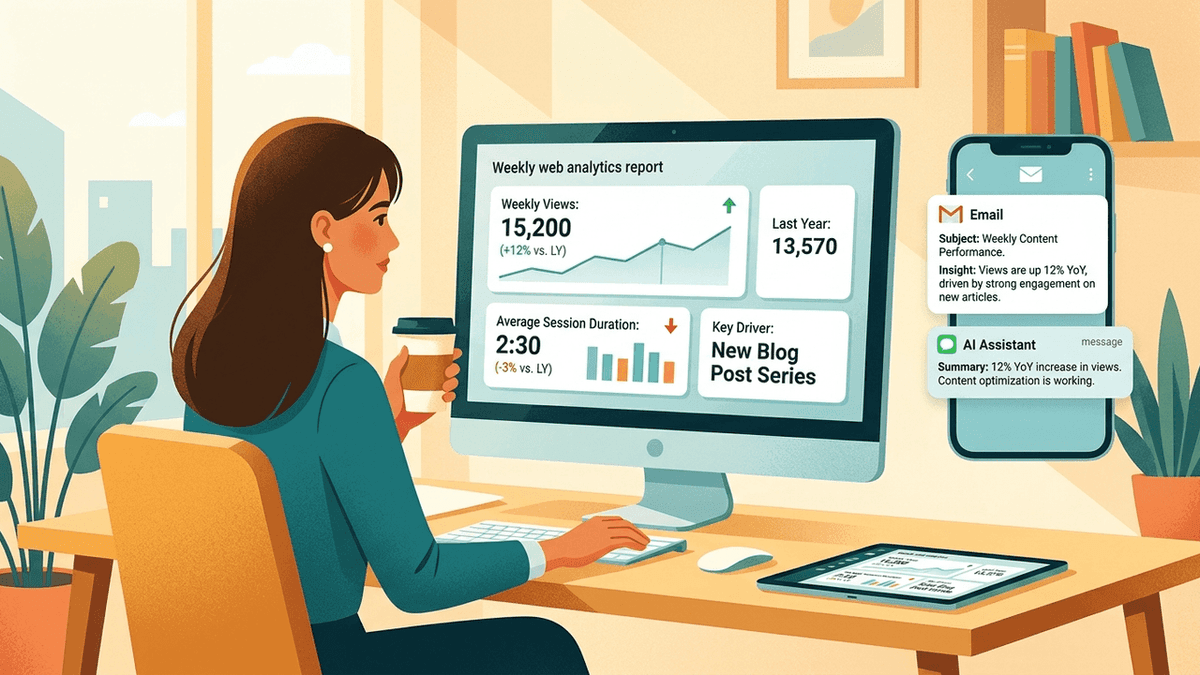
- A weekly report in your inbox comparing the last seven days with the same week last year.
- A short explanation of the biggest changes, written in plain words by AI.
- A shorter version sent to Telegram for anyone who only wants the headline.
How It Works
- Every week, the workflow pulls your website traffic numbers from Google Analytics.
- It pulls the same week from last year so the comparison is fair.
- AI writes a short report with the changes and sends it by email and Telegram.
What You Need
- A Google Analytics property for your website
- An OpenAI account
- An email account that can send mail through SMTP
- A Telegram bot, if you want the short version
- An n8n account to run the workflow
- About half a day to set it up
Unlock the full step-by-step guide
Enter your email to see the setup steps and the copy-paste prompt. Your workflow file downloads straight away.
- Step-by-step setup
- Copy-paste prompt
- Workflow file to import
Workflow files used in this guide
Research & Analysis
Weekly Google Analytics Report by Email and Telegram
Each week, compare the last seven days of Google Analytics data with the same days last year and send an AI-written report by email and Telegram.
Starts on: Schedule
Email (SMTP)Google AnalyticsOpenAI+1 more